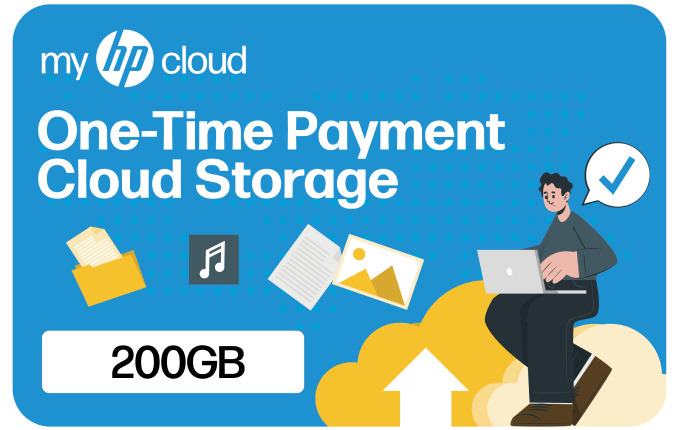
myHPcloud NT$2990 Gift Card
No returns and no refunds on gift cards.

第一步、建立帳戶
前往 https://home.myhpcloud.com/create 來建立myHPcloud帳戶。
第二步、驗證Email信箱
查看所收到郵件上的驗證碼,然後在網頁上輸入即可驗證信箱。
第三步、升級雲端空間
點選在主頁左側的藍色“升級”按鈕。
第四步、兌換授權碼
選擇“兌換授權碼”,並準備好您的16位數代碼。將您的授權碼輸入到空白欄中,然後點擊驗證。確認您的雲端儲存空間後,點擊“確定兌換”即可啟用。
Follow the instructions from Code Redemption - myHPcloud or the steps below:
Step 1. Create an Account
To do so, please visit myHPcloud | Your Own Private Cloud
Step 2. Verify Your Email Address
Check your email for a verification message. Follow the instructions in the message to verify your email address.
Step 3. Upgrade to Redeem Code
Click on the "Upgrade" button from your account's drop down menu.
Step 4. Code Redemption
Choose "I have a voucher," enter your 16-digit code carefully, and click "Apply Now." Afterward, select "Buy Now." Your account will be upgraded to the purchased cloud storage capacity immediately upon completion.
※ This policy applies to purchases made through sodagift.com and may not apply to purchases made through other channels.
1. 數位序號無法退款或退換貨。
2. 每個數位序號僅限開通兌換一次。
3. 數位序號不能與任何其他促銷活動同時使用。
4. 欲了解更多信息,請參考: https://tw.myhpcloud.com/terms
1. The e-voucher is non-refundable.
2. The e-voucher can be redeemed only once per account.
3. The e-voucher cannot be combined with any other promotions.
For more information, please refer to https://tw.myhpcloud.com/terms.