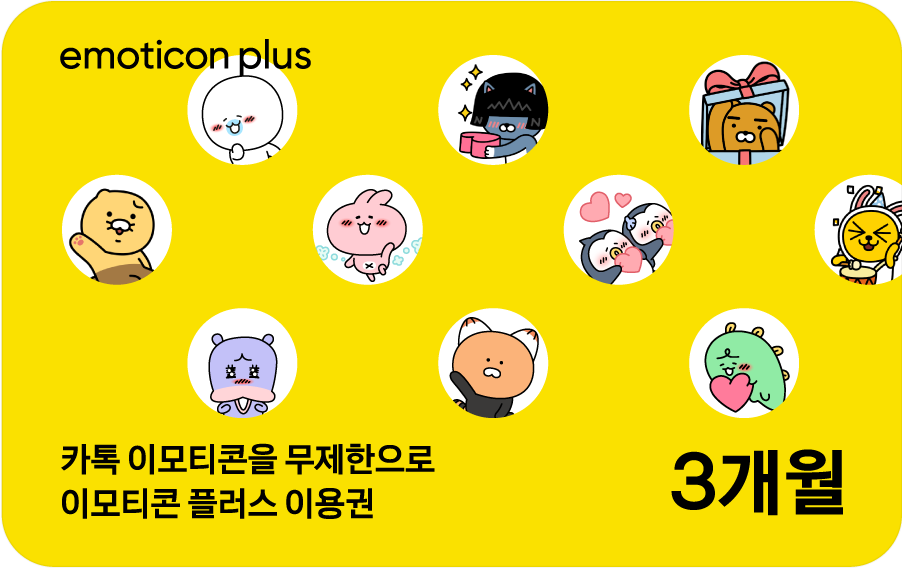
Kakao Emoticon Plus 3-Month Subscription

[How to Use]
- You must log in to your Kakao Account to register and use the voucher.
- This voucher does not require separate payment information.
- To use the service, you must register the registration code (coupon number) and submit a usage request on the Kakao MY Subscription website (my.kakao.com).
-Registration link: https://my.kakao.com/voucher?id=<%BARCODE%>
① Register the voucher
MY Subscription Home > Profile > Vouchers > Register and Change Vouchers (https://my.kakao.com/voucher) > Paste the copied voucher number > Click [Register]
② Use the voucher
MY Subscription Home > Profile > Vouchers > Register and Change Vouchers (https://my.kakao.com/voucher) > Available Vouchers > Click [Use]
[Important Notes]
- This voucher allows you to use the same emoticons without registering a payment method.
- Once registered, the voucher will automatically expire if you do not complete the usage request within the validity period.
- If you already have an active subscription:
① Subscribed via the web: Kakao MY Subscription → Available after completing the registration/usage request (the usage period will be automatically extended after the current voucher expires)
② Subscribed via the App Store: App Store/Play Store → Cancel the subscription through the App Store, then complete the registration/usage request
- Registration cannot be canceled once completed.
- Refunds or payment cancellations may only be requested for exchange vouchers that have not been registered (= exchanged for a voucher).
- Refunds are based on the actual amount paid, and the amount shown when applying for a refund may differ from the actual refund amount.
- Identity verification and confirmation of the account holder’s bank account may be required when requesting a refund.
- The validity periods for registration and usage requests are the same.
- The registration validity period can be extended in 90-day increments before the expiration date.
- For validity period extensions and refunds, please contact the customer service center of the place of purchase.
- Refunds and validity period extensions are not available for B2B purchases.
※ This policy applies to purchases made through sodagift.com and may not apply to purchases made through other channels.
[Expiration Date Extension Policy]
1. Expiration date extensions are available only for unused vouchers, and requests can be made up to one day before the expiration date.
2. The expiration date can be extended in 93-day increments, up to a maximum of 5 years from the original issue date.
3. To request an extension, please call the Galaxia Moneytree Customer Center (1566-0123). Service hours are weekdays 9:00 AM–6:00 PM (closed on public holidays).
[Cancellation & Refund Policy]
1. Before the initial expiration date, used vouchers cannot be canceled or refunded. For unused vouchers, the purchaser may leave an inquiry via the SodaGift chatbot at the bottom right of sodagift.com. After verification, we will process the refund.
2. After the initial expiration date, the recipient must contact the Galaxia Moneytree Customer Center (1566-0123) directly. In this case, 90% of the purchase amount will be refunded.
3. Even for expired vouchers, refunds can be requested as long as it is within 5 years from the original issue date.
4. If the gift card was received from a company rather than purchased directly on SodaGift, please contact the issuing company directly.