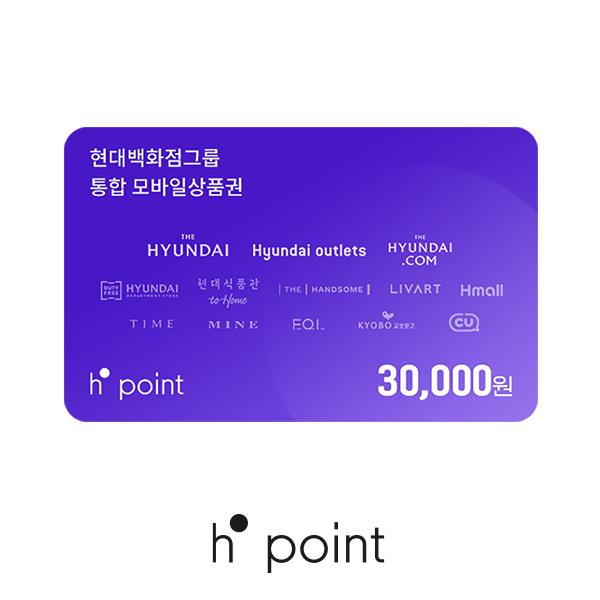
₩30,000 Gift Card

[Where to Use]
Eligible Locations:
Hyundai Department Store, Hyundai Outlet, TheHyundai.com, Hyundai Home Shopping, Hmall, Handsome, Rivet, and other affiliates of the Hyundai Department Store Group.
How to Register Your Mobile Gift Card:
※ To register an H.Point Mobile Gift Card, you must first install the H.Point app and sign up for an account.
① In the app, navigate through Menu > Stack > Receipt/Coupon > Coupon Accumulation and select the issuer Galaxia Money Tree.
② Enter your 16-digit gift card number, agree to the charge, and tap Convert.
[Important Notes]
If the sender cancels the payment, you will not be able to use this mobile gift card.
The mobile gift card is a gift card number/authentication code that can be charged as points within the H.Point app.
The mobile gift card cannot be used directly; you must first charge it to your H.Point account. Once charged, it can only be used at the designated locations, and the transaction cannot be canceled.
For inquiries about mobile gift card registration or other H.Point-related issues, please contact the H.Point Customer Service at 1800-2800.
▼ For more details, please visit the H.Point website:
https://www.h-point.co.kr
※ This policy applies to purchases made through sodagift.com and may not apply to purchases made through other channels.
※ When purchasing this product, if you select “Send via MMS,” the product link will be sent to the recipient through a KakaoTalk notification message.
If the recipient does not use KakaoTalk, please select “Share Link” and send the generated link to the recipient via text message or another messaging app.
[Validity Period Extension Policy]
1. The validity period may only be extended for unused vouchers. An extension may be requested through the customer service center from 30 days before the expiration date until the voucher expires.
Each extension will extend the validity period by 93 days, and the validity period may be extended for up to five years from the original date of issuance.
※ Once the validity period has expired, only a refund may be requested. The validity period cannot be extended.
2. The validity period may be extended in 93-day increments, but only for up to five years from the original date of issuance.
3. To request an extension of the validity period, you must contact the inumber Customer Service Center at 1644-5093.
(Weekdays, excluding public holidays, from 9:00 AM to 6:00 PM)
[Cancellation and Refund Policy]
1. Before the initial expiration date: Used vouchers cannot be canceled or refunded. For unused vouchers, the purchaser may leave an inquiry through the SodaGift chatbot located at the bottom-right corner of sodagift.com, and a refund will be processed after verification.
2. After the initial expiration date: The recipient must contact the inumber Customer Service Center at 1644-5093 to request a refund. The following refund policy applies after the initial validity period has expired.
* Gift certificates with a face value exceeding KRW 50,000: 95% of the purchase price will be refunded.
* Gift certificates with a face value of KRW 50,000 or less: 90% of the purchase price will be refunded.
※ Eligibility: This policy applies only to gift certificates issued on or after January 1, 2026. Gift certificates issued before this date are eligible for a 90% refund.
3. Refund requests for expired vouchers may only be submitted within five years from the original date of issuance.
4. If you received the gift card from a company rather than purchasing it directly through SodaGift, please contact the company that provided the gift card.
Protection of Prepaid Funds: In accordance with Articles 25-2 and 25-3 of the Electronic Financial Transactions Act and Article 13-7 of its Enforcement Decree, we have implemented protective measures covering the full amount of prepaid funds.
(Insurance Policy No. 100-000-2024 0445 6694)