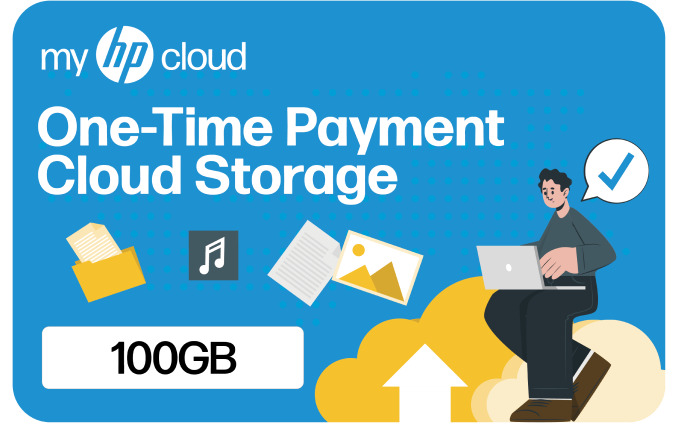
myHPcloud 100GB Cloud Storage Gift Card
No returns and no refunds on gift cards.
Follow the instructions from https://www.myhpcloud.com/redeem or the steps below:
Step 1. Create an Account
To do so, please visit https://home.myhpcloud.com/create
Step 2. Verify Your Email Address
Check your email for a verification message. Follow the instructions in the message to verify your email address.
Step 3. Upgrade to Redeem Code
Click on the ""Upgrade"" button from your account's drop-down menu.
Step 4. Code Redemption
Choose "I have a voucher," enter your 16-digit code carefully, and click ""Apply Now."" Afterward, select ""Buy Now."" Your account will be upgraded to the purchased cloud storage capacity immediately upon completion.
※ This policy applies to purchases made through sodagift.com and may not apply to purchases made through other channels.
1. The eGift Card is non-refundable.
2. The eGift Card can be redeemed only once per account.
3. The eGift Card cannot be combined with any other promotions.
For more information, please refer to https://my.myhpcloud.com/terms