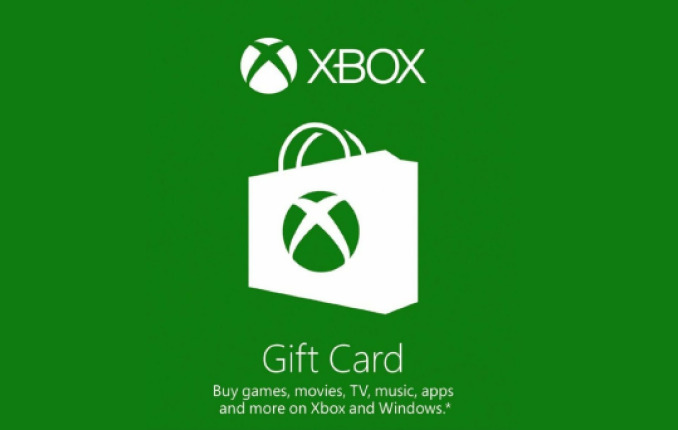
Xbox HK$150 Gift Card
No returns and no refunds on gift cards.
1.確保您已登錄到要兌換代碼的Microsoft帳戶中。
2.從主屏幕,直接滾動存儲。
3.在遊戲下,選擇使用代碼。
4.在輸入代碼屏幕上輸入25-字符代碼,然後選擇Enter。不用擔心連字符,系統為您服務。
5.選擇確認。
6.兌換代碼後,您將收到一條確認消息。
1. Make sure you are signed into the Microsoft account for which you want to redeem the code.
2. From the Home screen, scroll right to Store.
3. Under Games, select Use a code.
4. Enter your 25 - character code on the Enter your code screen, and then select Enter. Don’t worry about hyphens, the system takes care of those for you.
5. Select Confirm.
6. Once your code is redeemed, you’ll receive a confirmation message.
※ This policy applies to purchases made through sodagift.com and may not apply to purchases made through other channels.
1. 要進行購買,您必須擁有一個活動的Microsoft帳戶。
2. 您可以將禮品卡兌換到您的Microsoft帳戶,查看您的當前帳戶餘額以及與帳戶中促銷餘額相關的任何到期日期,或更新您的個人信息。
3. 除了適用法律要求外,禮品卡不能兌換或交換現金,也無法重新保養。
4. 一旦贖回,您就會承認不會退款。
5. 如果您在Microsoft帳戶中沒有足夠的錢來完成購買,則必須使用在Microsoft帳戶中註冊的另一種付款方式來支付剩餘的購買金額,請將全部購買費用為其他付款方式,以代替您的帳戶平衡或為您的Microsoft帳戶添加其他值。
1. To make purchases, you must have an active Microsoft account.
2. You can redeem Gift Cards to your Microsoft account, view your current account balance and any expiration dates associated with the promotional balance in your account, or update your personal information.
3. Except as required by applicable law, Gift Cards cannot be redeemed or exchanged for cash and are not reloadable.
4. Once redeemed, you acknowledge that no refund will be made.
5. If you do not have sufficient funds in your Microsoft account to complete a purchase, you must use another form of payment registered with your Microsoft account to cover the remaining purchase amount, charge the entire purchase to the other payment option instead of your account balance, or add additional value to your Microsoft account, as available.